Your vocal, mixed automatically. Like a record, in one click.
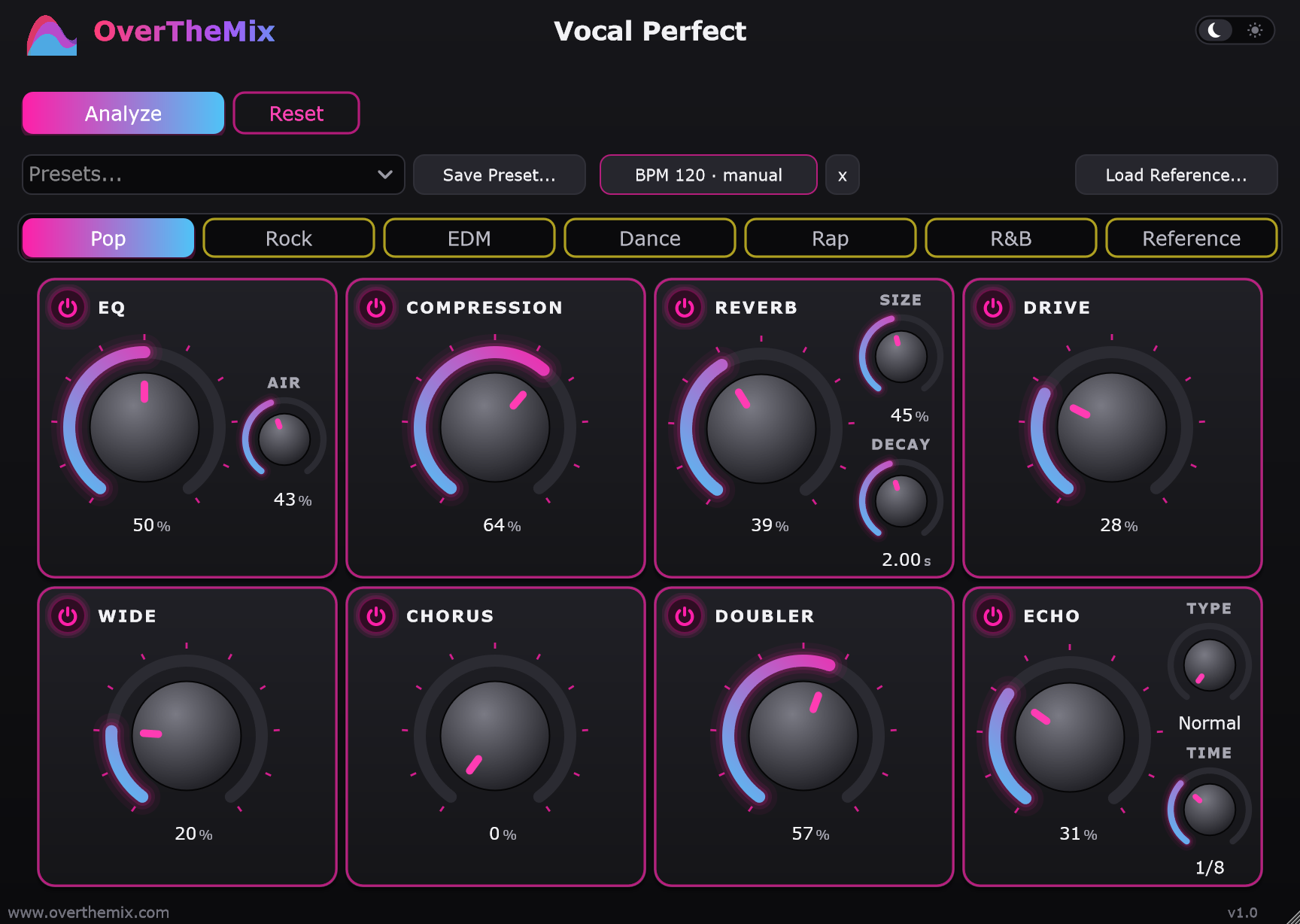
No mixing skills needed. Press Analyze and pick your genre: Vocal Perfect listens to your voice and automatically sets all 8 effects - EQ, compression, reverb, drive, stereo width, chorus, doubler and echo - like a mix engineer would.
All automatic, in a few seconds. The knobs are there only if you want to fine-tune.

Raw vocals, one click: before and after in six genres.
Same loudness before and after, so you hear the mix, not just a louder file. Demo vocals are AI-generated (Suno), dry, and processed by Vocal Perfect in automatic mode: pick the genre + Analyze, no knobs touched.
How to use Vocal Perfect in your DAW and as a standalone app, step by step.
Made for artists who want a mixed vocal, not a mixing course.
Analyze measures your voice - tone, dynamics, sibilance - and sets every effect for you.
Pop, Rock, EDM, Dance, Rap, R&B and Reference, each with its own chain.
Load a vocal you love: Vocal Perfect reproduces its tone and reverb on your voice.
Tames piercing "S" sounds, removes mouth clicks and softens P and B pops, automatically.
Vocal plate reverb, tempo-synced echo, doubler, chorus, width and harmonic drive.
Echo and reverb follow the BPM.
Your vocal comes out at a steady, distortion-free level, at the same standard loudness as Spotify and YouTube: ready to drop into your beat.
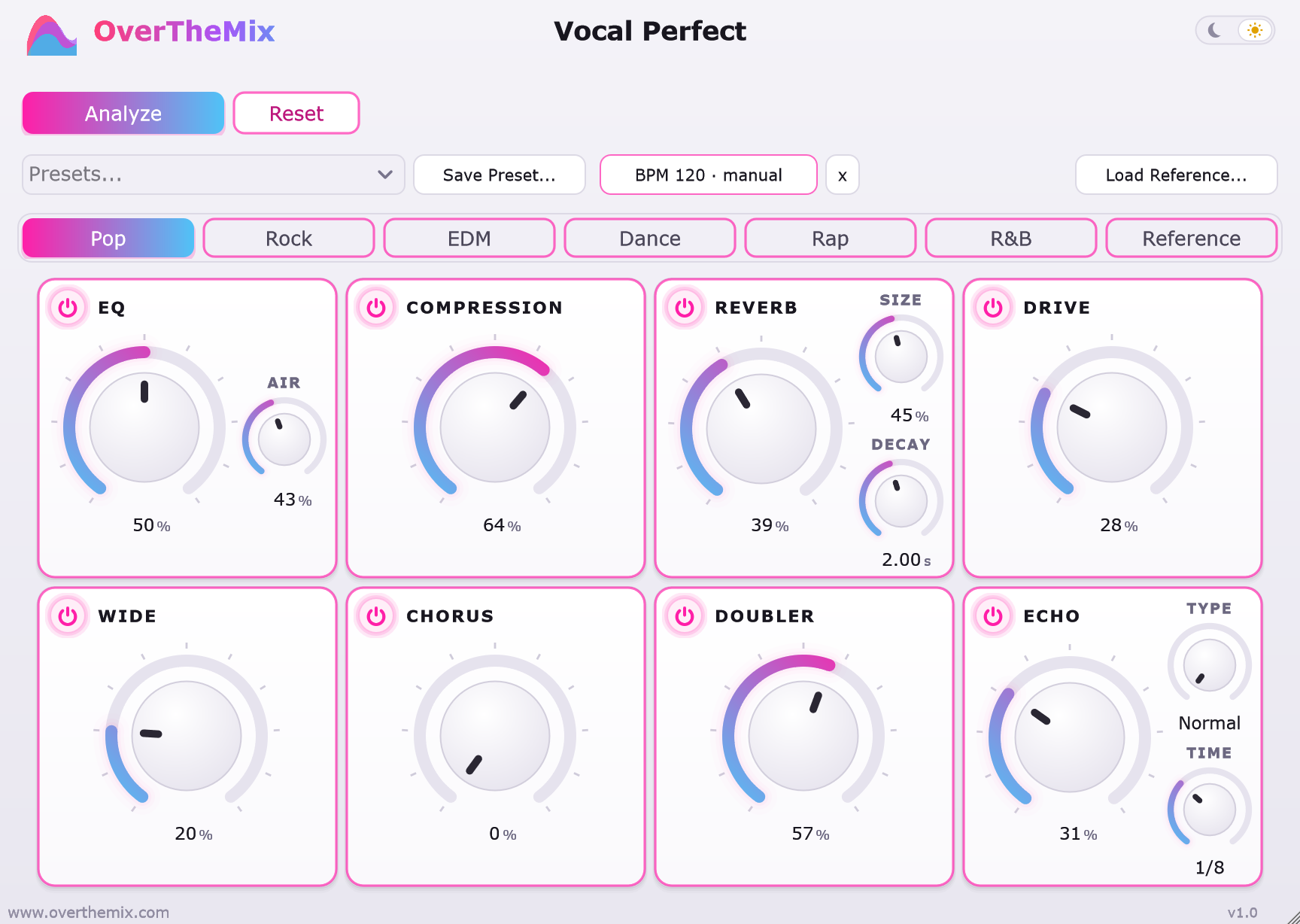
A few clear, simple controls. Light or dark theme.
The values set by Analyze are a starting point: tweak any knob and save your own settings as a preset.
Analyze sets them all for you. You can tweak them if you like.
Makes the voice clearer and brighter and removes flaws: boominess, nasal or harsh tones, piercing "S" sounds.
Keeps the volume steady: every word is heard.
Gives the voice space, like a room or a hall.
Adds warmth and grit.
Makes the voice sound bigger and wider.
Makes the voice fuller.
Like the same voice singing twice.
Repeats the voice in time with the song.
Insert it on the vocal track, press Analyze, hit Play. Works in FL Studio, Ableton Live, Cubase, Studio One, Reaper and other VST3 hosts.
No DAW needed: load your vocal (WAV, AIFF or MP3), compare Before and After, export the mixed vocal as WAV or MP3.

No. The controls are there only if you want to adjust the result.
Yes. Get the free demo (enter your e-mail and we send you the download link): it works like the full version, but every few seconds the sound stops while a voice says "Vocal Perfect", and export is disabled (a fast export from your DAW comes out silent). No license key or internet needed.
Analyze adapts the chain to each voice - male or female, bright or dark, sung or rapped. Record a clean, dry vocal for the best result.
Aim for peaks between -12 and -6 dB. Loud files are handled automatically and never clip; if your vocal is very quiet, normalize it before loading it.
Yes. Windows shows this notice for programs from small independent developers that it does not know yet. Click More info, then Run anyway. Always download the installer only from your purchase e-mail or this site.
Yes. It needs the internet to activate and then at least once every 30 days to verify the license (it checks by itself when you are online; from day 15 it shows a reminder).
No. Vocal Perfect mixes the vocal; it does not change the pitch.
About 10 ms, reported to your DAW, which compensates it automatically.
Yes, all updates of version 1 are included.
The software is delivered and activated immediately, so purchases are final once the download has started, as allowed by EU consumer law when you agree to immediate delivery at checkout. Your legal rights if the product does not work as described are not affected.
Our online reseller Lemon Squeezy handles payment, invoice and taxes for your country.